Marketing, Form Optimisation
How To Reduce Drop-Off On Your Forms And Win More Enquiries
If customers start filling in your online form but disappear before hitting “submit”, you are losing warm leads. The good news is that a few practical tweaks can dramatically reduce drop-off and boost your conversion rates without spending a penny more on advertising.

Turn more form starts into completed enquiries
Simple tweaks to reduce drop-off and improve conversions
Why customers abandon forms in the first place
Form drop off reduction starts with understanding why people give up. For most local businesses, it is not that customers are not interested – it is that the process feels like hard work. Long forms, confusing questions, and tiny text on mobile can all push people away at the very moment they are ready to contact you or request a quote.
Think about the last time you tried to book a service and the form asked for your address three times, your date of birth, and details that did not feel relevant. You probably thought, “I will do this later,” and never came back. Your potential customers feel exactly the same, so effective form optimisation is about removing those little frustrations.
Simplify processes: less effort, more completions
One of the most powerful ways to reduce drop-off is to simplify processes. Ask yourself: “What is the minimum information we genuinely need at this stage?” For most local businesses, that is usually a name, a way to contact the person, and a short message or service choice. Everything else can be gathered later by phone or email.
Remove unnecessary fields – if you never use a piece of data, do not ask for it.
Use dropdowns or tick-boxes instead of long, open questions where possible.
Clearly mark what is optional, so people do not feel forced to share everything.
💡 Friendly tip: If a question is “nice to have” rather than “need to have”, leave it out of the first form.
Form design tips that boost user engagement
Smart form design tips can make a big difference to user engagement. A clean layout, plenty of white space, and clear labels all help people feel comfortable completing your form. Use plain language – “Phone number” is friendlier than “Primary contact communication field” – and keep instructions short and reassuring.
Do not forget mobile users. Many people will find your business on their phone while they are out and about. Make sure your form is easy to tap, with large fields and buttons, and avoid tiny text or fiddly drop-down menus. A mobile-friendly layout alone can noticeably improve conversion rates, because it removes the friction that causes people to give up.
Set expectations and build trust to reduce drop-off
People are far more likely to complete a form when they know what will happen next. Add a short line above your form such as, “We will get back to you within one working day,” or “We will only use your details to respond to your enquiry.” This simple reassurance supports form drop off reduction by easing any worries about spam or being ignored.
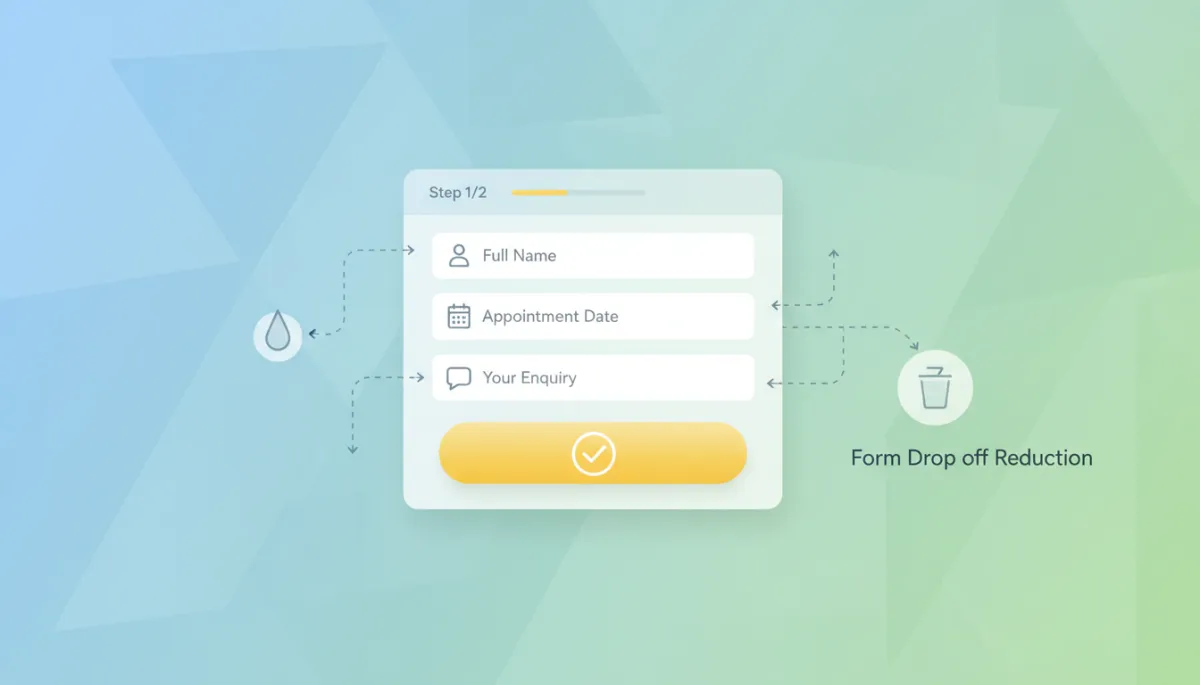
You can also show progress for slightly longer forms. A small “Step 1 of 2” message lets people see that the end is in sight. It is a gentle way to keep user engagement high and reduce drop-off without changing the questions themselves.
Measure, tweak, and watch your conversion rates climb
Finally, effective form optimisation is not a one-off job. Keep an eye on how many people start and finish your forms. Even a simple comparison each month will show whether your changes are improving conversion rates. If completions go up after you remove a field or shorten the wording, you know you are on the right track.
For local businesses, every extra completed form could mean a new booking, a long-term client, or a valuable word-of-mouth referral. By simplifying processes, applying straightforward form design tips, and focusing on user engagement, you can reduce drop-off and turn more casual visitors into committed customers – all with a few friendly tweaks to the forms you already have.

Evolute Agency
Digital marketing experts based in Hertfordshire